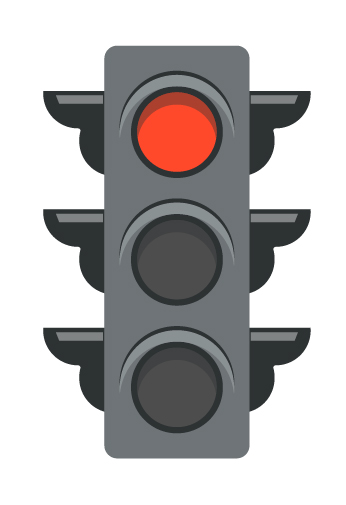
Red
No AI
Do the work without AI tools. This is for the skills you still need to own yourself: drafting from scratch, closed-book checks, safety-critical steps, or anything where the product has to be the student’s unaided thinking.
A simple way to mark every assignment: when AI is off-limits, when it may support the work, and when it may sit beside the student as a co-pilot. Practical. Not a product pitch.
We use this in class because blanket “no AI” and blanket “AI is fine” both fail. Teachers decide assignment by assignment. Students should not have to guess. If an assignment is unmarked, treat it as red: no AI.
Red
Do the work without AI tools. This is for the skills you still need to own yourself: drafting from scratch, closed-book checks, safety-critical steps, or anything where the product has to be the student’s unaided thinking.
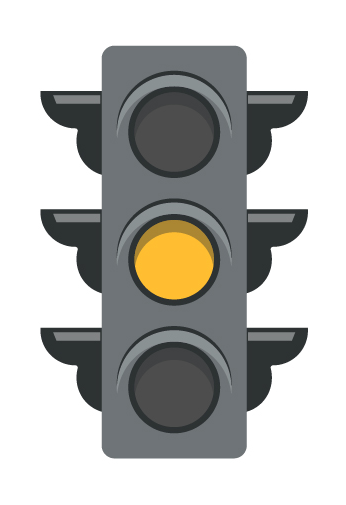
Yellow
AI may help with support work: clarifying a concept, suggesting a structure, checking a draft. Cite the prompts you used so the teacher can see what the tool was asked to do. The thinking still has to be yours.
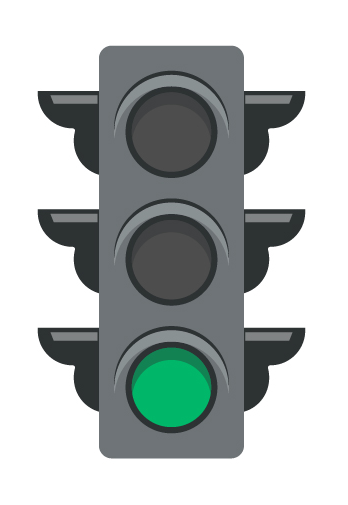
Green
AI may sit in the workflow if the student substantiates the use, edits what comes back, fact-checks it, and can explain the result in their own words. Unedited paste is not green. Green is earned by the human work around the tool.
This is the same system we walk through on the AI Readiness Advisory YouTube channel. The video is the classroom version: short, specific, no vendor pitch.
The traffic light is one classroom practice. The free self-assessment is a wider look at leadership, policy, people, data, and trust — about three minutes, no sign-up.
Take the Free Self-Assessment